WorldPride Amsterdam 2026

PrideSync

Request a venue code

Request venue access for your location on the route. This page shows what your team needs before requesting access, and what happens once a venue code is approved.

Start your request

Tell us where your venue is located so we can check whether it fits the route.

We check the route automatically when you leave the address field. Requests are only intended for fixed addresses along the parade route.

Get the code for your venue workspace, then use it for live listening and pre-event checks.

01

What you need before you request a venue code

Tell the team who you are, what kind of venue you run, and exactly where the venue sits on the route. The request works best when the address is complete and the contact person can coordinate setup.
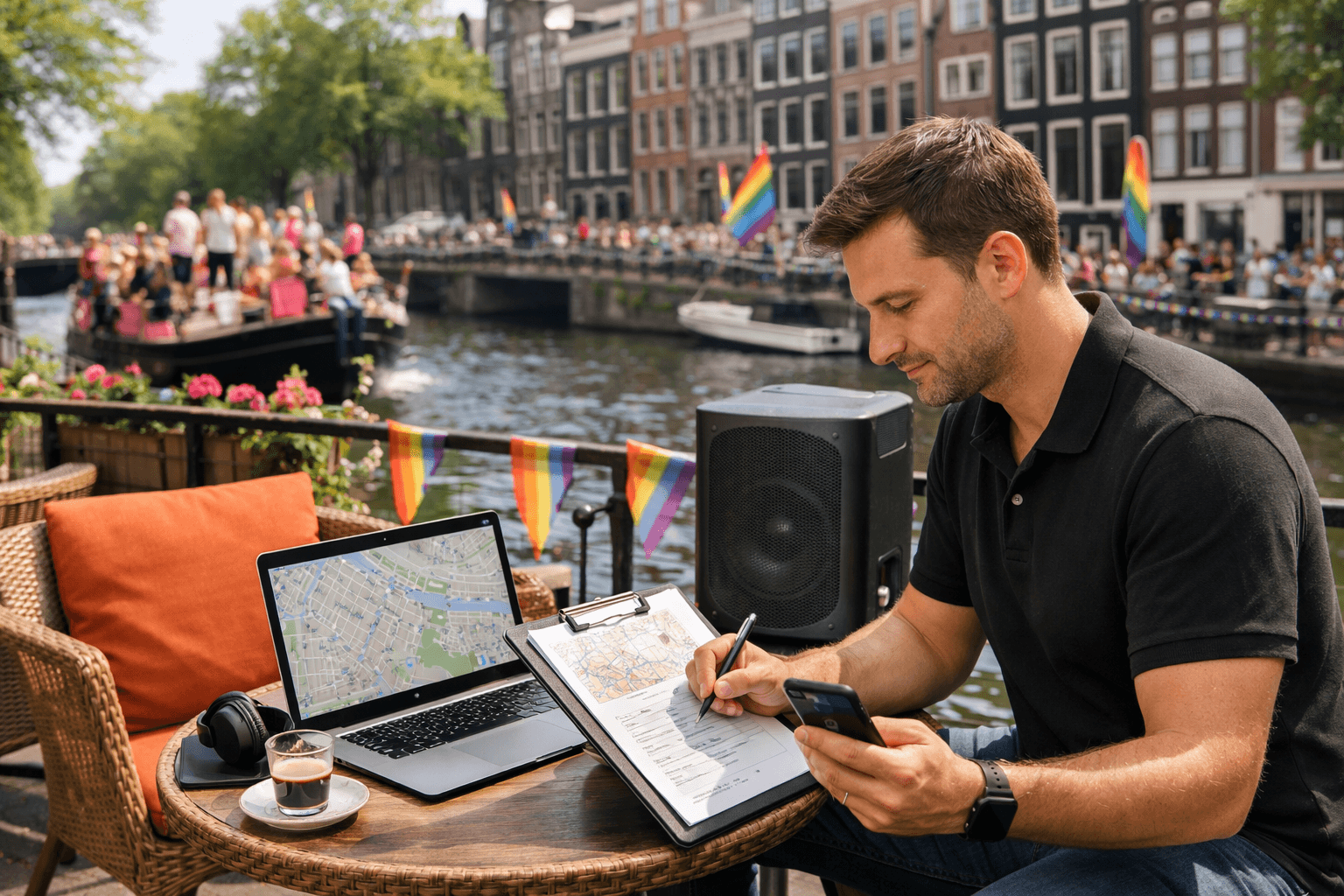
Venue manager submitting a route-side listening access request
  • Venue name
  • Physical address on the route
  • Venue type such as cafe, venue, party, or commercial address
  • Contact person and email
  • Anything special about your playback setup
02

What happens after the request

The address is checked against the route and reviewed by the PrideSync team. Once approved, you receive a venue code. After login, your team enters the venue listening workspace to prepare, test, and go live from the same flow.

Next move

Find the PrideSync route that fits your role.