01
Phase 1
Sign up, or just log in if you already have a code.
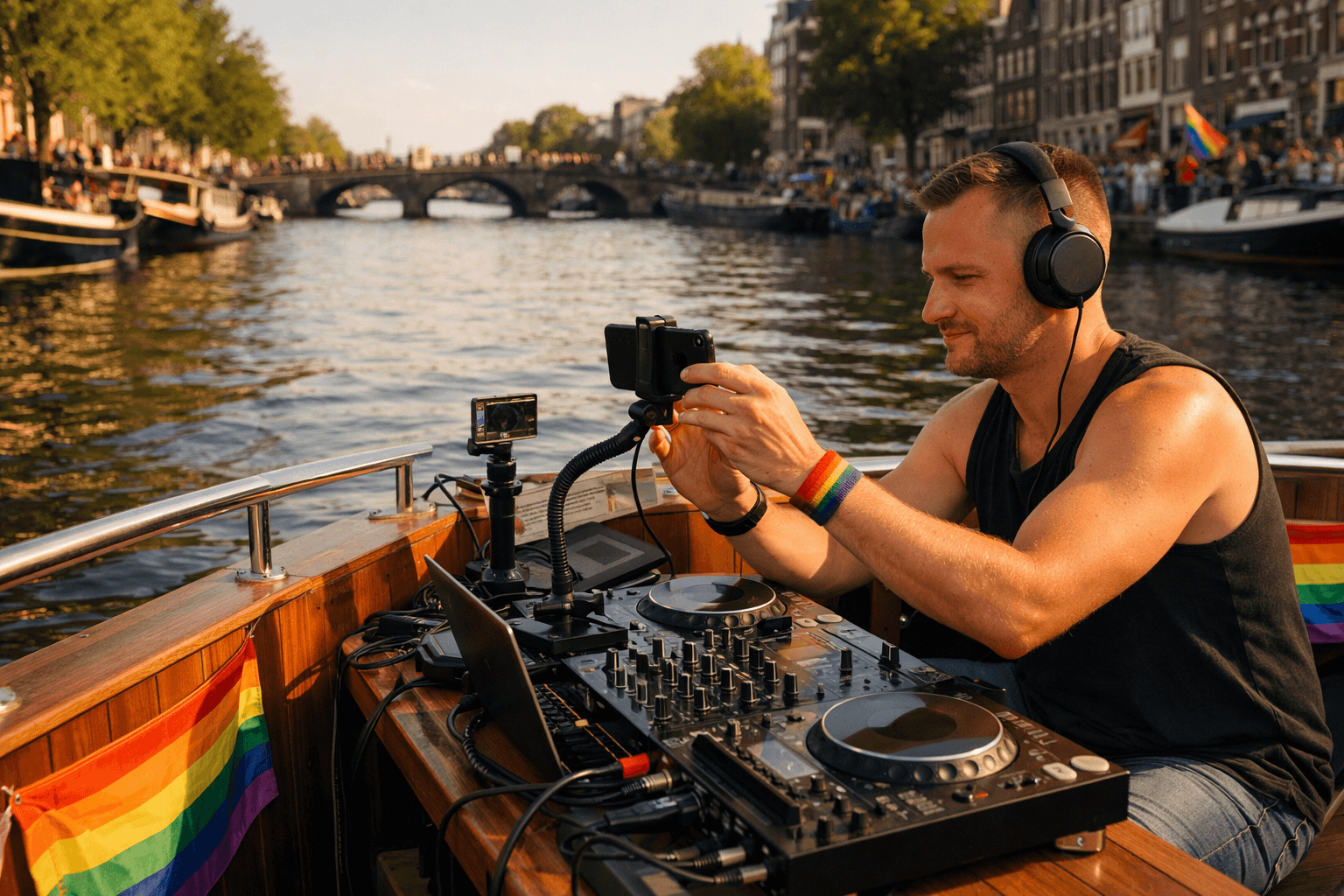
The first step is simple. If you do not have a code yet, sign up your boat or crew first. If you already have one, log in directly and you will land straight in your own boat flow.
WorldPride Amsterdam 2026
PrideSync
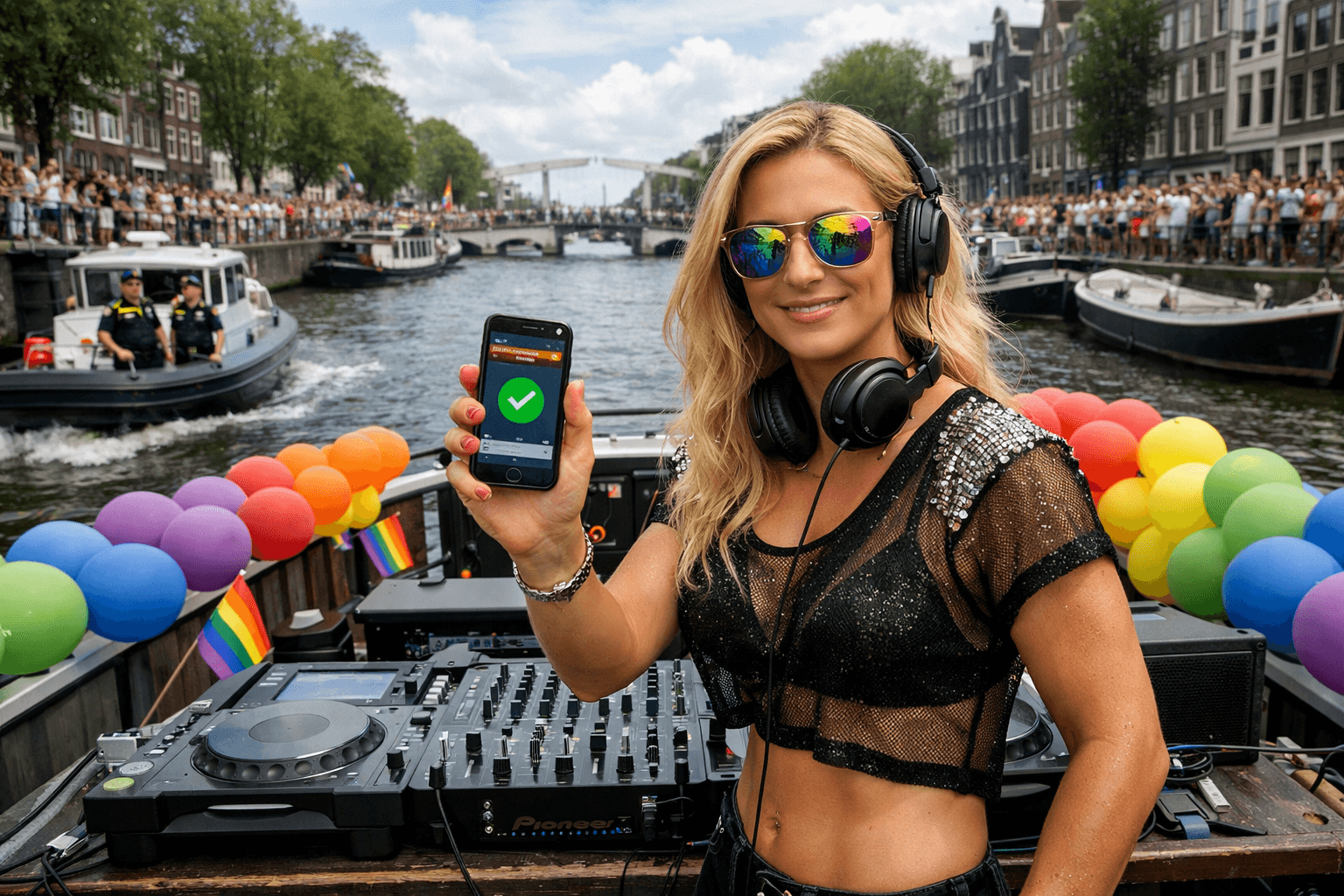
PrideSync is launching for the first time during WorldPride Amsterdam. With PrideSync, the music from participating boats can be heard live along the parade route, at participating cafes, on the VIP deck and in broadcast environments. This means your boat is not only visible on the water, but also audible across the city.
See onboarding and setupWorldPride Amsterdam is the world premiere of PrideSync: sign up first, onboard next, then be heard live along the route.
01
Phase 1
The first step is simple. If you do not have a code yet, sign up your boat or crew first. If you already have one, log in directly and you will land straight in your own boat flow.
02
Why join?
PrideSync is built to carry your sound beyond the deck of your boat. During the world premiere, your music can become part of how the parade is experienced across the city.
03
What do you need?
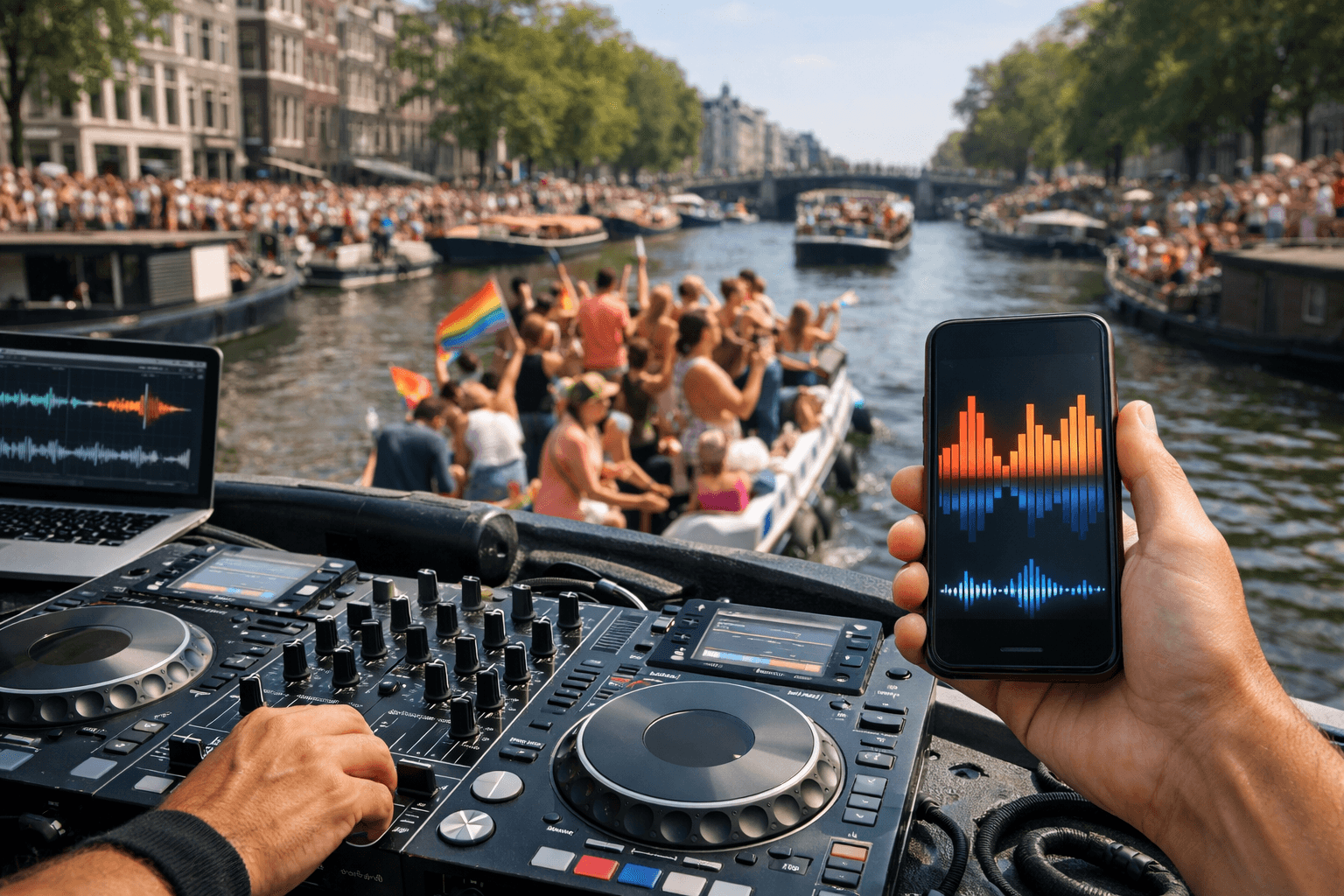
You do not need to start with a complicated technical setup. PrideSync is designed to keep the barrier low, so you can test and prepare quickly.
04
Phase 2
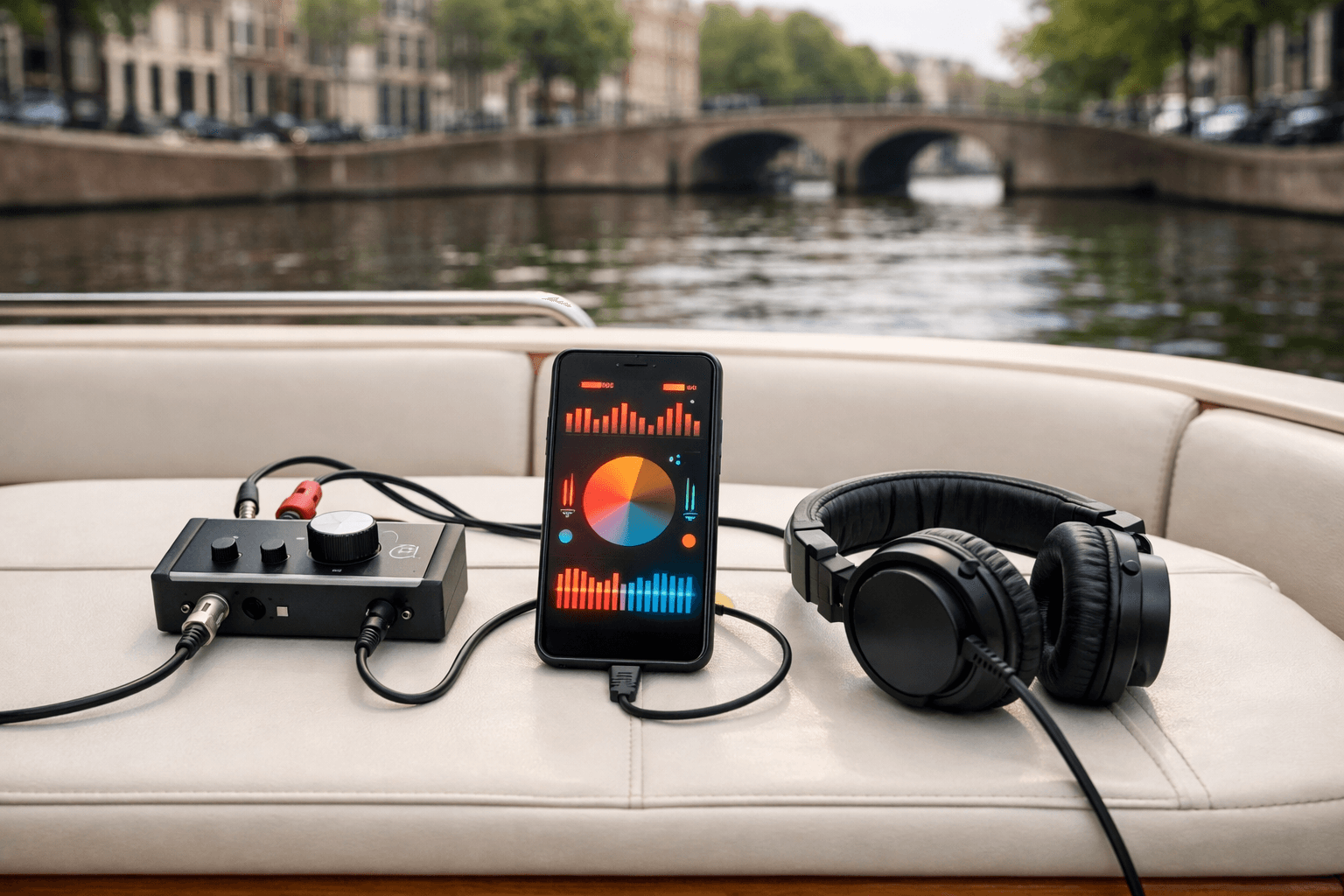
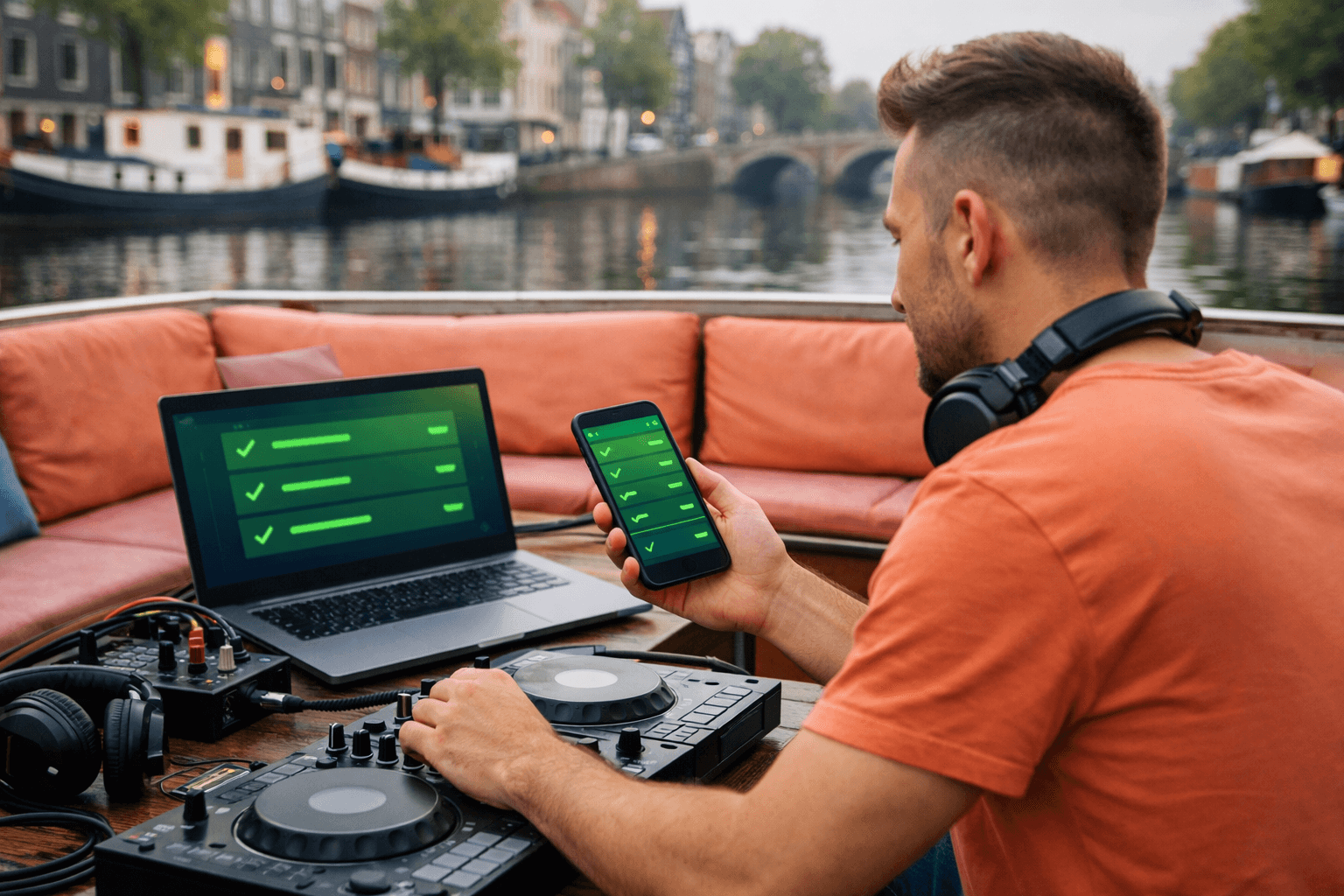
In onboarding, you test your own setup with PrideSync, check that everything is coming through properly, and get familiar with the flow. It is better to find issues early than once your boat is already moving.
05
Phase 3
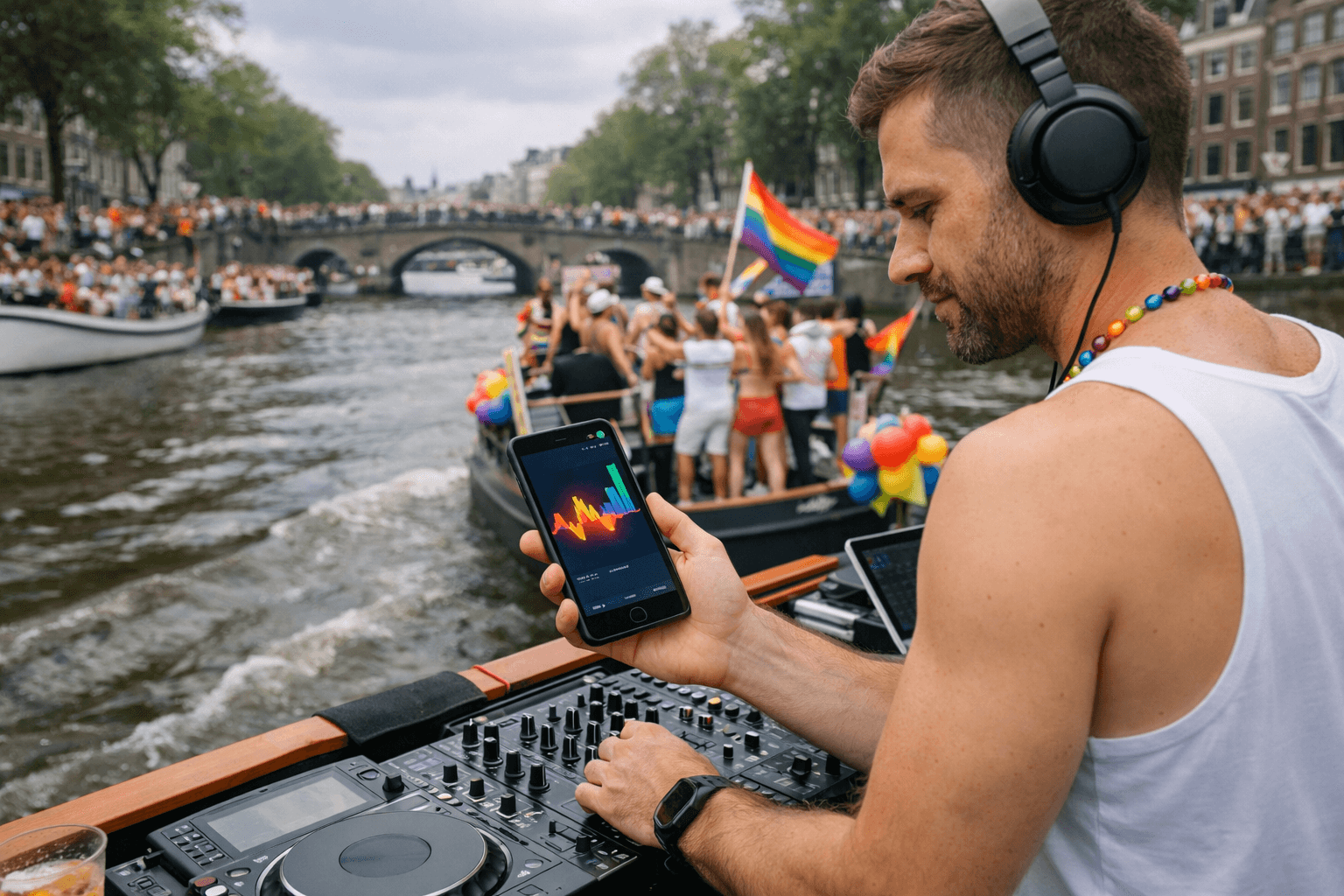
On the day itself, you work from the same PrideSync logic. That means less switching, less uncertainty, and more confidence that your boat can be heard live where it matters.
Next move