WorldPride Amsterdam 2026

PrideSync

Request a broadcaster code

Request access for approved operator use in live coverage, influencer setups, VIP decks, and other broadcast contexts. This page shows what you need before requesting a code and what to expect after approval.

Start your request

Tell us what kind of broadcast access you need and what the output will be used for.

Broadcast access stays deliberate so production tools only reach the right operators.

01

What you need before you request a broadcaster code

Broadcast access stays review-based so production-grade tools only reach the right operators. It helps to be clear about who you are, which outlet or channel is involved, and what the audio will be used for.
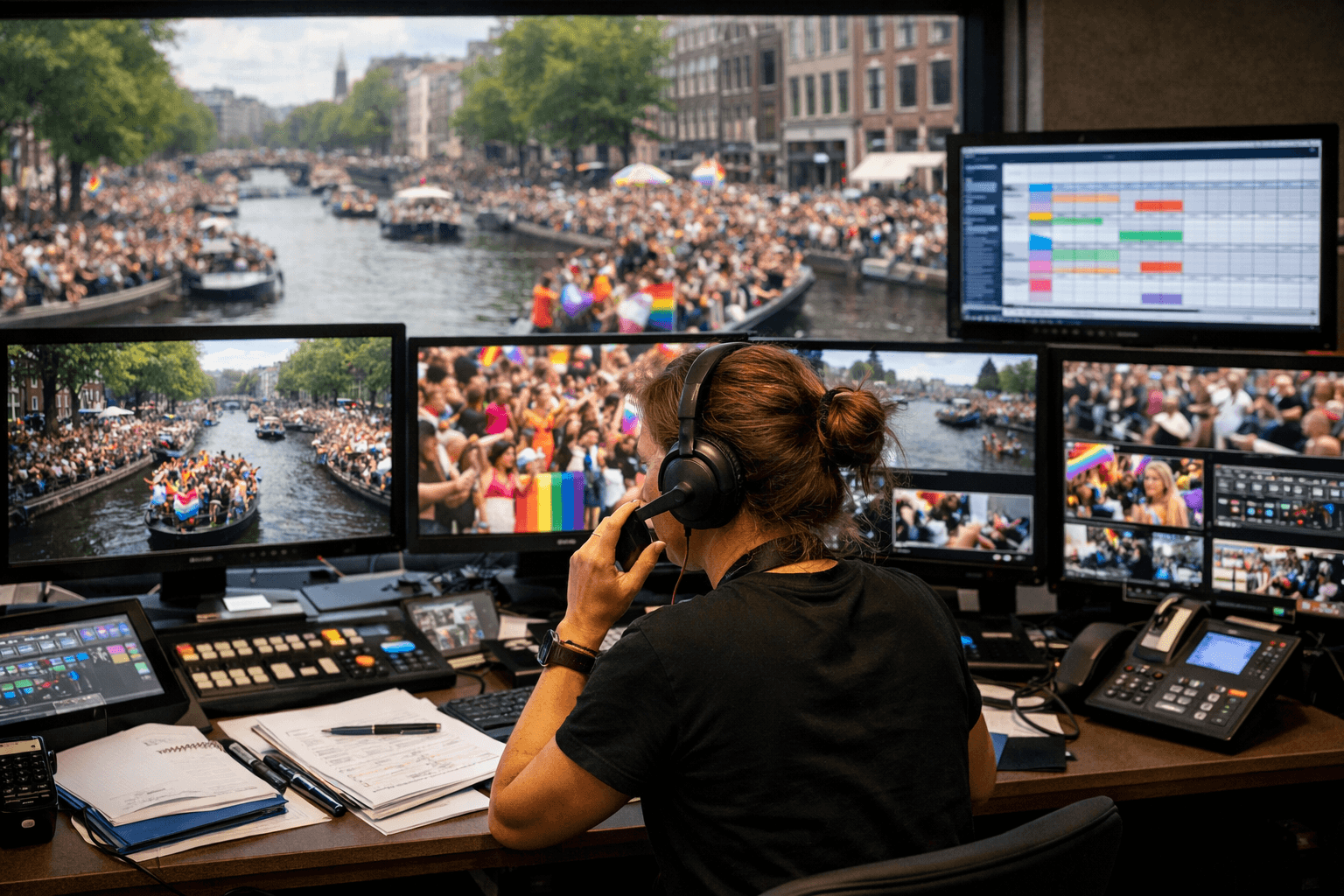
Broadcast coordinator requesting approved access for live Pride coverage
  • Company or media organisation
  • Channel, outlet, or creator name
  • Whether this is for live, recording, highlights, or another use
  • Contact person and email
  • Any operational notes about the production
02

What happens after the request

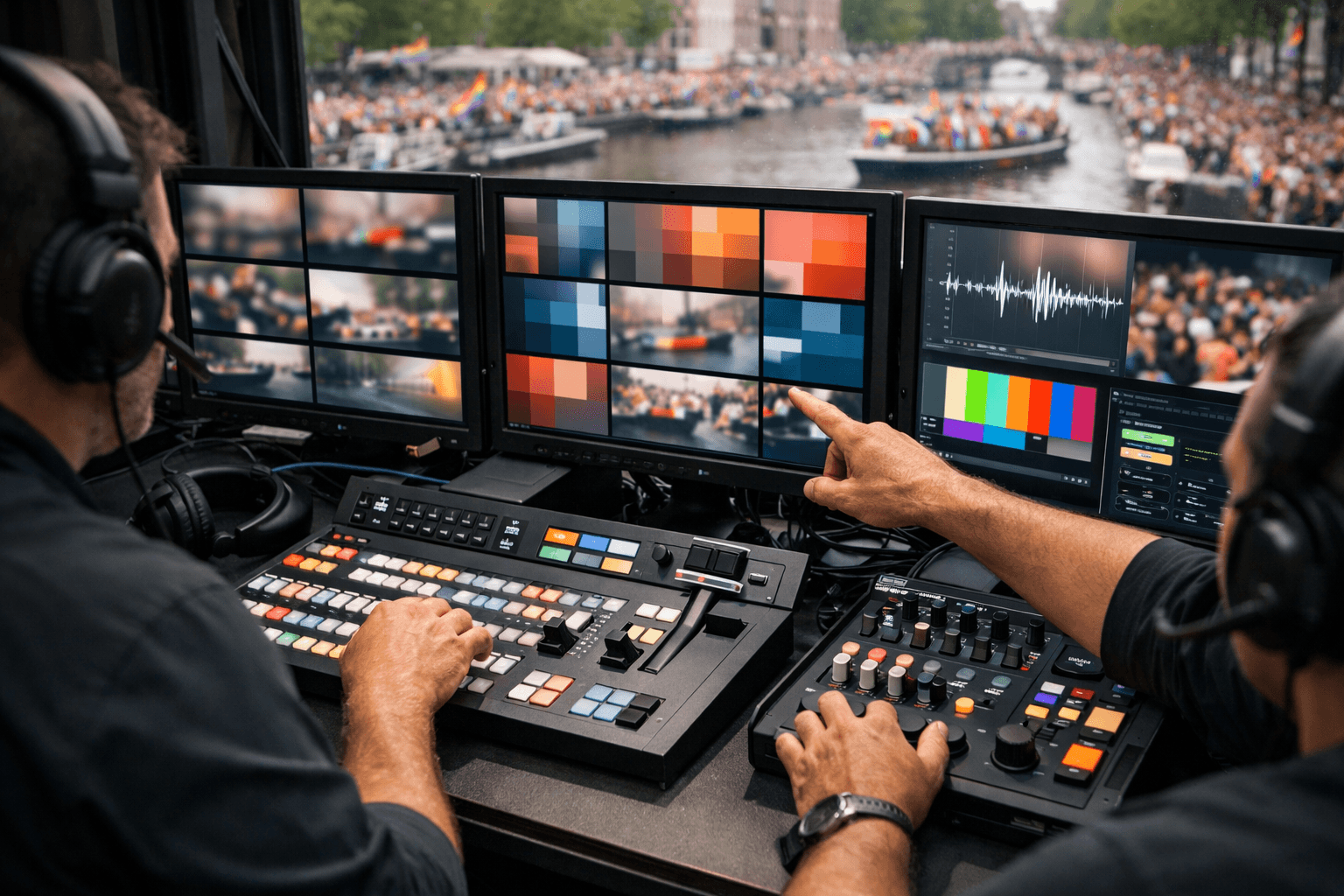
Once the request is reviewed, the PrideSync team issues the correct broadcaster code for your workflow. After login, your operators enter the broadcaster view and can prepare, test, and use the live control flow from there.

Next move

Find the PrideSync route that fits your role.